
Microsoft Teams Rooms
Join Teams meetings from the room panel. We help select the equipment and plan the room account and licence.
Explore solution

Smartcam · Yealink partner
We help companies choose, set up and maintain video conferencing equipment for Microsoft Teams Rooms, Zoom Rooms and meetings from a laptop.
Solutions
Choose how you want to run meetings, or see what you can add to a room you already use.
Join Teams meetings from the room panel. We help select the equipment and plan the room account and licence.
Explore solution
A dedicated Zoom room with a controller, camera and audio. We help set up the room and connect it to the network.
Explore solution
Start a meeting on your laptop and use the room camera, microphones, speakers and display.
Explore solution
Table and ceiling microphones, speakers, room panels and accessories for new and existing rooms.
Explore solution
Interactive displays for video calls, presentations and workshops.
Explore solution
Configuration, updates, troubleshooting and changes to rooms already in use.
Explore solutionRoom guide
Choose how you meet. We’ll point you to the relevant guide. You can copy your choices into the contact form.
Your starting point
This is an initial brief. Room dimensions, acoustics, camera coverage, licences and the exact configuration still need to be checked.
This is an initial brief. Room dimensions, acoustics, camera coverage, licences and the exact configuration still need to be checked.
Room layout
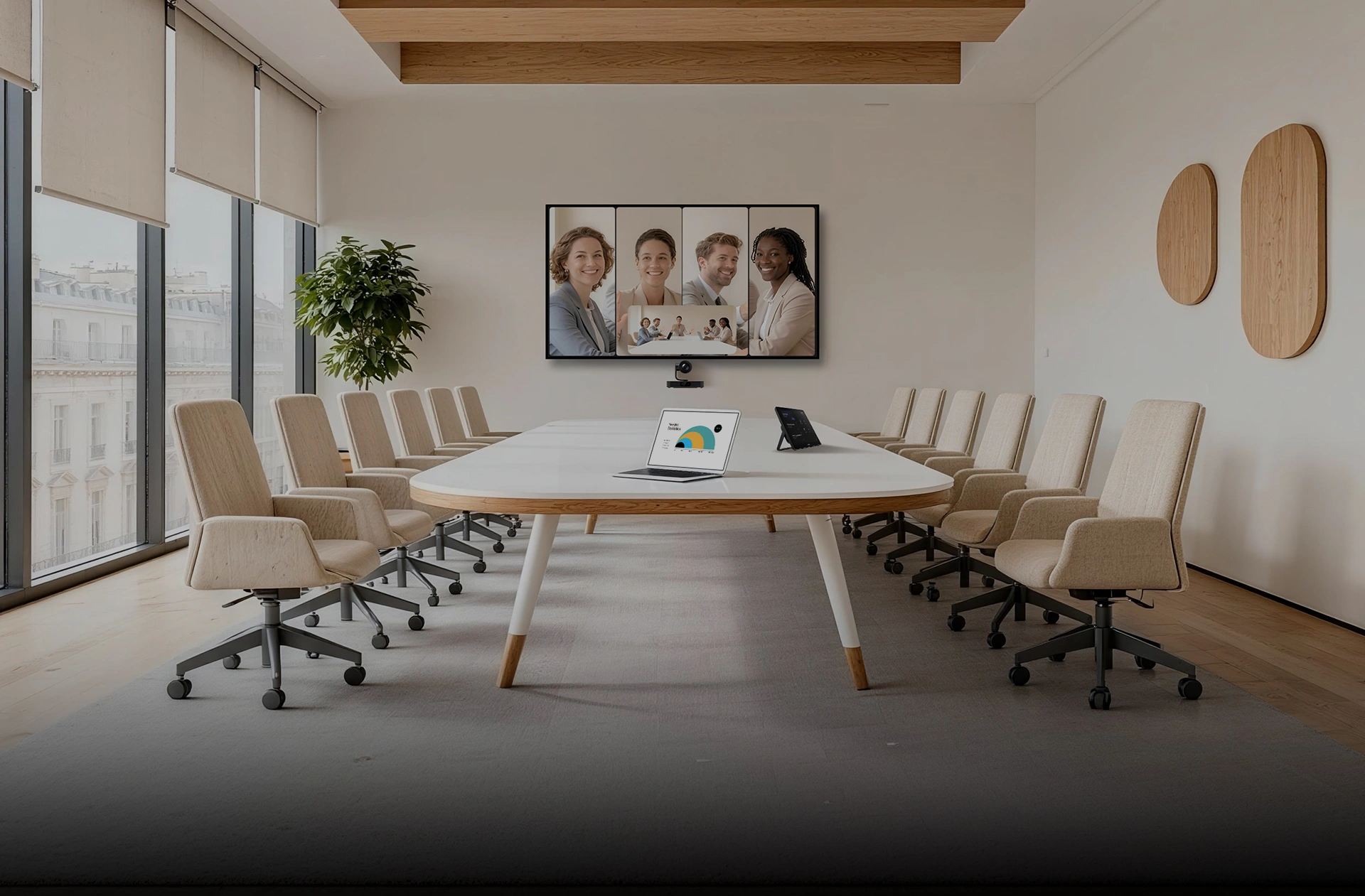
We look at the room layout, acoustics, display, network and cabling alongside the way you run meetings.

Deployment
We discuss how you meet and check what is already in the room.
We propose a Yealink setup and identify any accounts, licences, cabling or accessories you need.
We help configure the equipment and show users how to start a meeting and share their screen.
Products and resources

Video bars, cameras, microphones, control panels and accessories.
Browse models →
Compare room sizes, camera coverage and ways to extend audio.
Read the comparison →
Data sheets, manufacturer videos and a checklist for preparing the room.
View resources →FAQ
It depends on the setup. A dedicated room is configured for one platform. Compare guest join and laptop options if you use both.
Yes. With a compatible BYOD setup, your laptop uses the room camera and audio. Check which cables and ports are required.
We check the connections, cable routes and device requirements before proposing any changes.
Contact
Tell us how many people use the room, which meeting platform you use and what equipment you already have. You can also attach a photo or a layout sketch.
Smartcam is a brand of Partnerhosted Sp. z o.o.
ul. Szelągowska 49
61-626 Poznań, Poland