
Microsoft Teams Rooms
Complete Teams rooms: room system, touch panel, camera, audio, resource account, display, network and user instructions.
View solution
Yealink for online meetings
Smartcam is a solution for companies that want reliable online meetings. We help design, deploy and maintain Yealink solutions for Microsoft Teams Rooms, Zoom Rooms, BYOD and hybrid meetings in small, medium and larger rooms.
For companies and institutions
A professional meeting room is more than a camera connected to a computer. Image quality, audio, microphones, simple meeting start, Microsoft Teams or Zoom compatibility and easy content sharing all matter.
Yealink offers devices for different spaces: small huddle rooms, medium meeting rooms and larger environments with expanded audio, PTZ cameras and interactive displays.
Solution scope
The structure follows real Yealink product categories: Teams Rooms, Zoom Rooms, USB Cameras & BYOD Kits, Space IoT Devices, Room Audio Devices and accessories.
Complete Teams rooms: room system, touch panel, camera, audio, resource account, display, network and user instructions.
View solution
Dedicated Zoom rooms with Yealink devices, convenient control, clear audio, content sharing and predictable meeting start.
View solution
For companies that run meetings from laptops but want professional camera, microphones, speakers and display in the room.
View solution
Microphones, speakers, touch panels, mounts, cabling and accessories that make a room practical after deployment.
View solution
Interactive screens for meetings, presentations, notes and hybrid teamwork, especially when the room is used for workshops.
View solution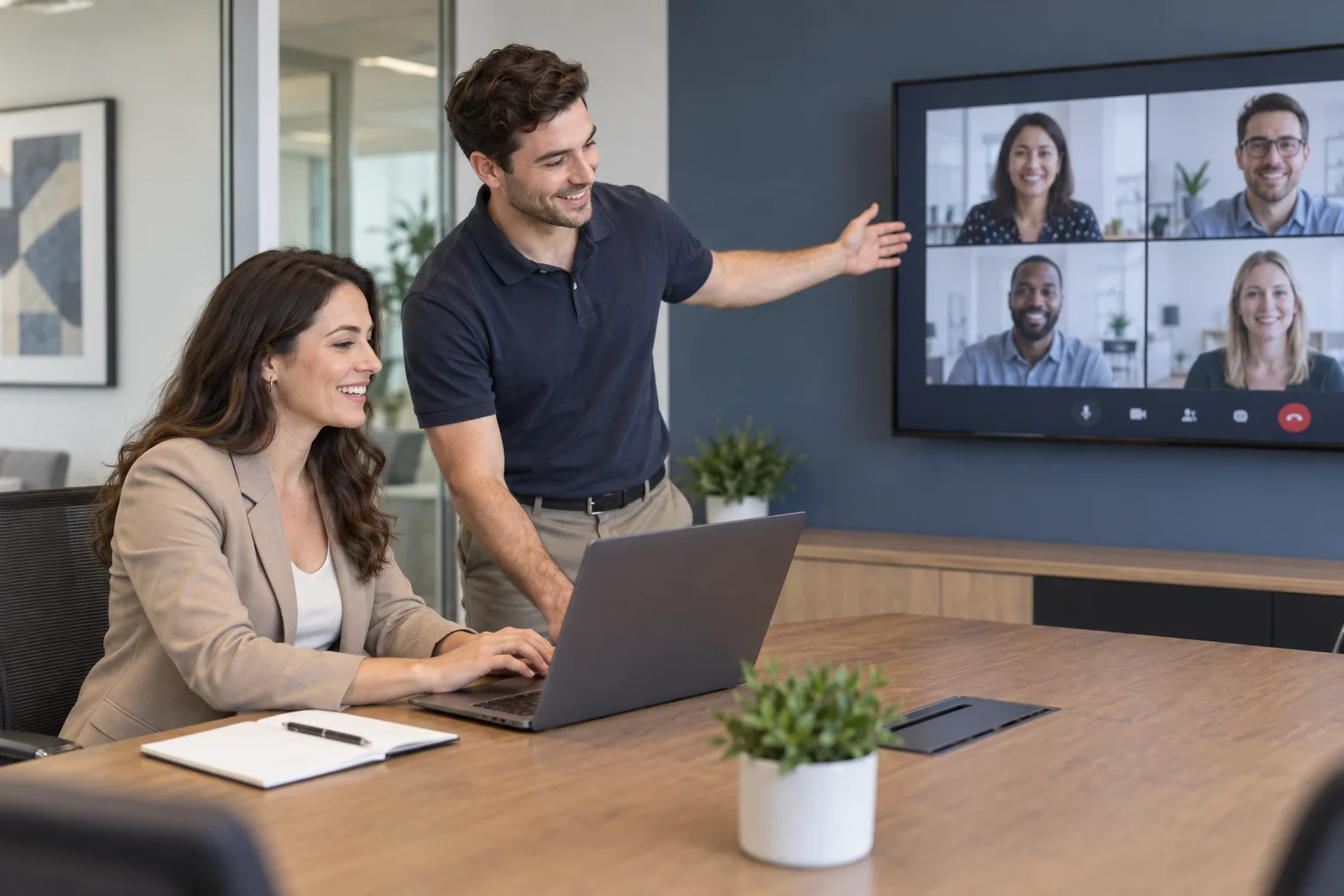
Post-deployment support: updates, accounts, configuration, remote diagnostics, user support and room development.
View solutionWhat the company receives
We describe the room requirements, select Yealink equipment, organise the technical elements and help launch an environment that is simple for users.
We review the room layout, number of participants, display, network, power, acoustics and booking model before recommending a class of devices.
A Teams-first room, a Zoom room and a multi-platform BYOD space are designed differently. The choice depends on how the company actually works.
We consider devices, accounts, network, display, panel, microphones, cables and accessories so the room can be used without constant IT help.
After deployment, we prepare a simple way to use the room: start a meeting, share content, connect a laptop and report an issue.
We can connect the room deployment with Microsoft 365, Teams, network, accounts, updates and device security.
When the company grows, rooms can be expanded with better audio, more spaces, Teams/Zoom Rooms or central device management.
Room fit
Device selection starts with the room: number of people, table layout, acoustics, displays, cabling, meeting platform and user workflow.
All-in-one video bar, simple touch control, quick meeting start and fewer cables.
Wider framing, stronger audio, optional microphones and convenient content sharing.
PTZ cameras, table or ceiling audio, multiple displays and Teams Rooms or Zoom Rooms integration.
How we work
The goal is simple: a user enters the room, presses one button and starts the meeting. That is why we look at equipment, platform, network, accounts, display, cabling and daily usage.
We define room size, table layout, meeting platform, displays and user expectations.
We propose Yealink devices: video bar, camera, audio, touch panel, accessories and expansion options.
We help launch the solution and prepare users for everyday meeting room use.
Contact
Tell us how many people usually join meetings, which platform you use and whether the room already has a display, computer, network and cabling.