

When should you consider MeetingBar A25-BYOM?
Consider this version when teams use different applications and want to keep starting meetings from their familiar laptop environment.
Key features
- Three cameras and a 151° horizontal field of view
- Auto Framing, IntelliFocus and Video Fence
- Integrated audio for small spaces
A closer look
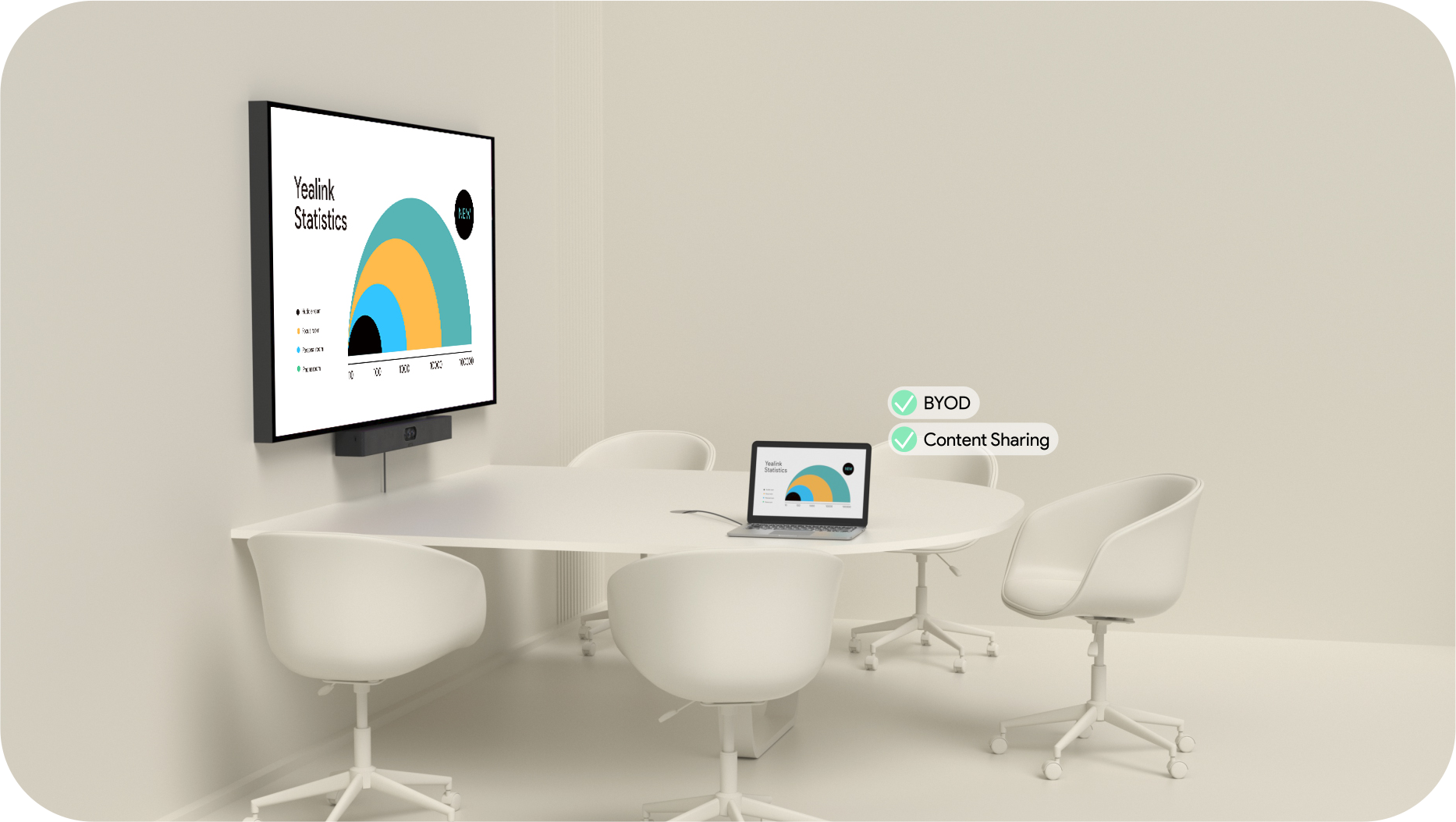
How does it fit into a working room?
- Keep the bar and display permanently installed
- Use the room camera and audio from the laptop
- Select connections and accessories for the specific BYOM package
What needs checking before ordering?
BYOM describes a meeting hosted on your own device. Similarity to A25 does not establish native Teams Rooms or Zoom Rooms capability.
Documentation and resources
MeetingBar A25-BYOM presentation
Manufacturer description, images and product resources.
Visit Yealink ↗Manufacturer documentation — 1
Specifications, support resources or deployment guidance hosted by Yealink.
Open documentation ↗Manufacturer documentation — 2
Specifications, support resources or deployment guidance hosted by Yealink.
Open documentation ↗Related solutions
Source: official Yealink product page. Materials checked on 29 September 2026. Images and videos belong to the manufacturer. Specifications and accessory compatibility are confirmed for the selected configuration.
Plan your room with MeetingBar A25-BYOM
Tell us the room dimensions, participant count and meeting platform. You can attach a photo or layout sketch.
Ask about this model