
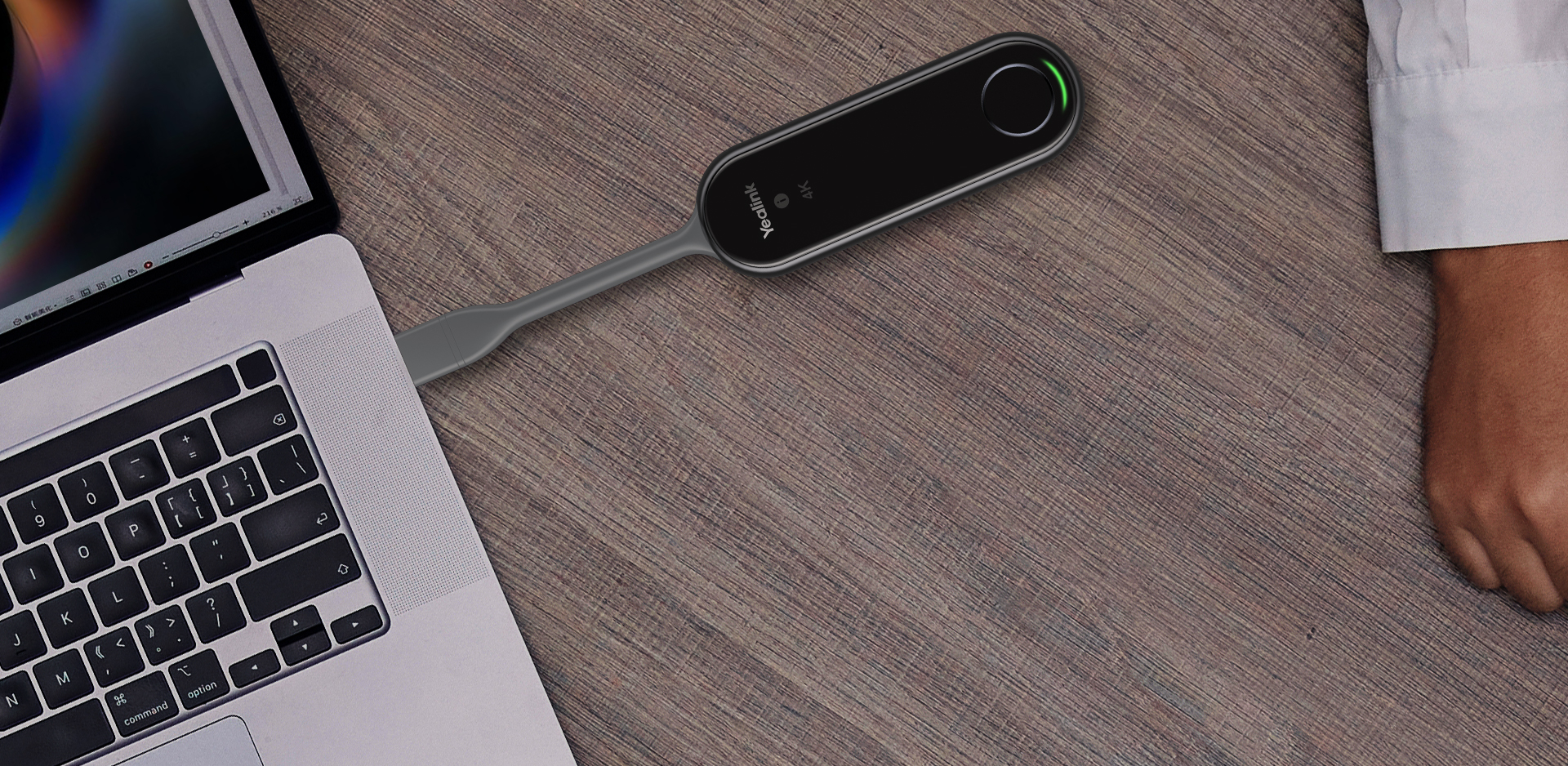
When should you consider PA20?
PA20 simplifies arriving with a laptop by making the connection and presentation workflow part of the room design.
Key features
- 4K hardware encoding at 30 fps
- Wi-Fi 6 and USB-A / USB-C connectivity
- Driver-free operation as described by Yealink
How does it fit into a working room?
- Select a compatible receiver in the room
- Prepare connections and network policies
- Test presentation and BYOD on company laptops
What needs checking before ordering?
PA20 is not a universal receiver for any television. Verify receiver, system and feature compatibility in the specific solution documentation.
Documentation and resources
Manufacturer documentation
Specifications, support resources or deployment guidance hosted by Yealink.
Open documentation ↗Related solutions
Source: official Yealink product page. Materials checked on 29 September 2026. Images and videos belong to the manufacturer. Specifications and accessory compatibility are confirmed for the selected configuration.
Plan your room with PA20
Tell us the room dimensions, participant count and meeting platform. You can attach a photo or layout sketch.
Ask about this model