
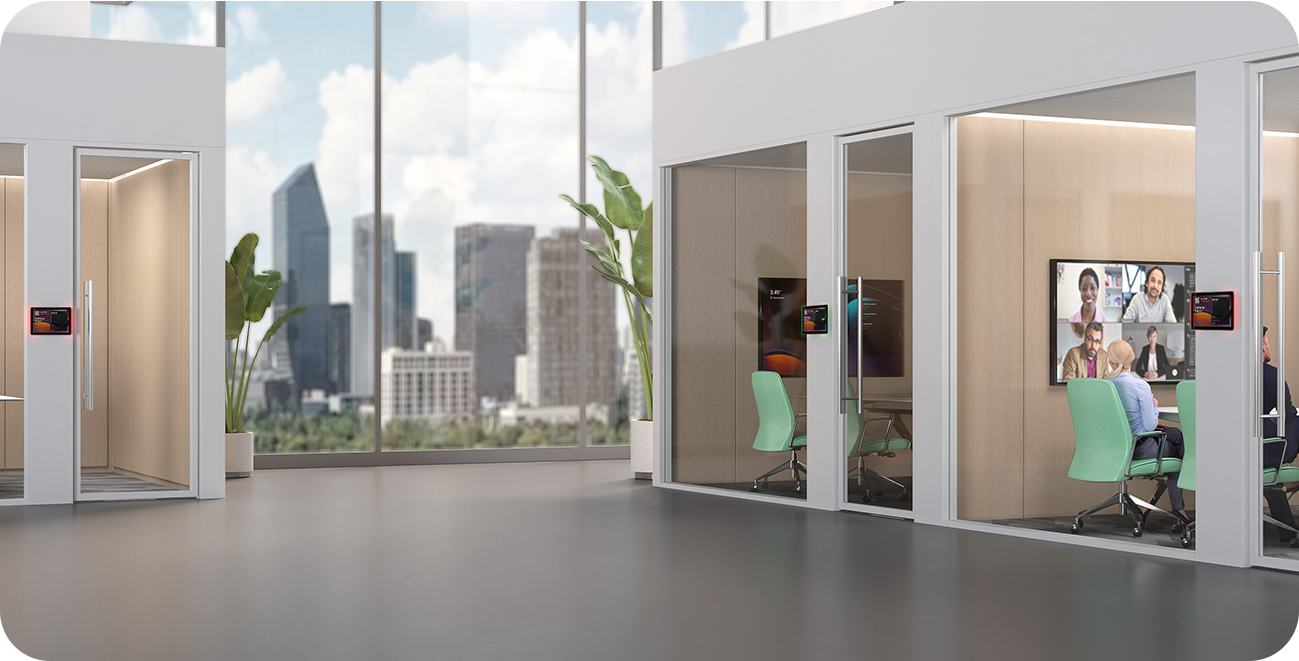
When should you consider RoomPanel Plus E2?
Useful where several teams share meeting rooms. Occupancy is visible without looking inside.
Key features
- Android 13 and MDEP
- Side RGB status lights
- PoE or DC power and multiple mounting options
How does it fit into a working room?
- Configure the room resource account and calendar
- Provide network and power at the mounting point
- Set up the booking platform and status indicators
What needs checking before ordering?
A scheduling panel outside the door serves a different purpose from CTP25 or MTouch Plus inside the room. Check the licences and permissions for the chosen platform.
Documentation and resources
RoomPanel Plus E2 presentation
Manufacturer description, images and product resources.
Visit Yealink ↗Manufacturer documentation
Specifications, support resources or deployment guidance hosted by Yealink.
Open documentation ↗Related solutions
Source: official Yealink product page. Materials checked on 29 September 2026. Images and videos belong to the manufacturer. Specifications and accessory compatibility are confirmed for the selected configuration.
Plan your room with RoomPanel Plus E2
Tell us the room dimensions, participant count and meeting platform. You can attach a photo or layout sketch.
Ask about this model