
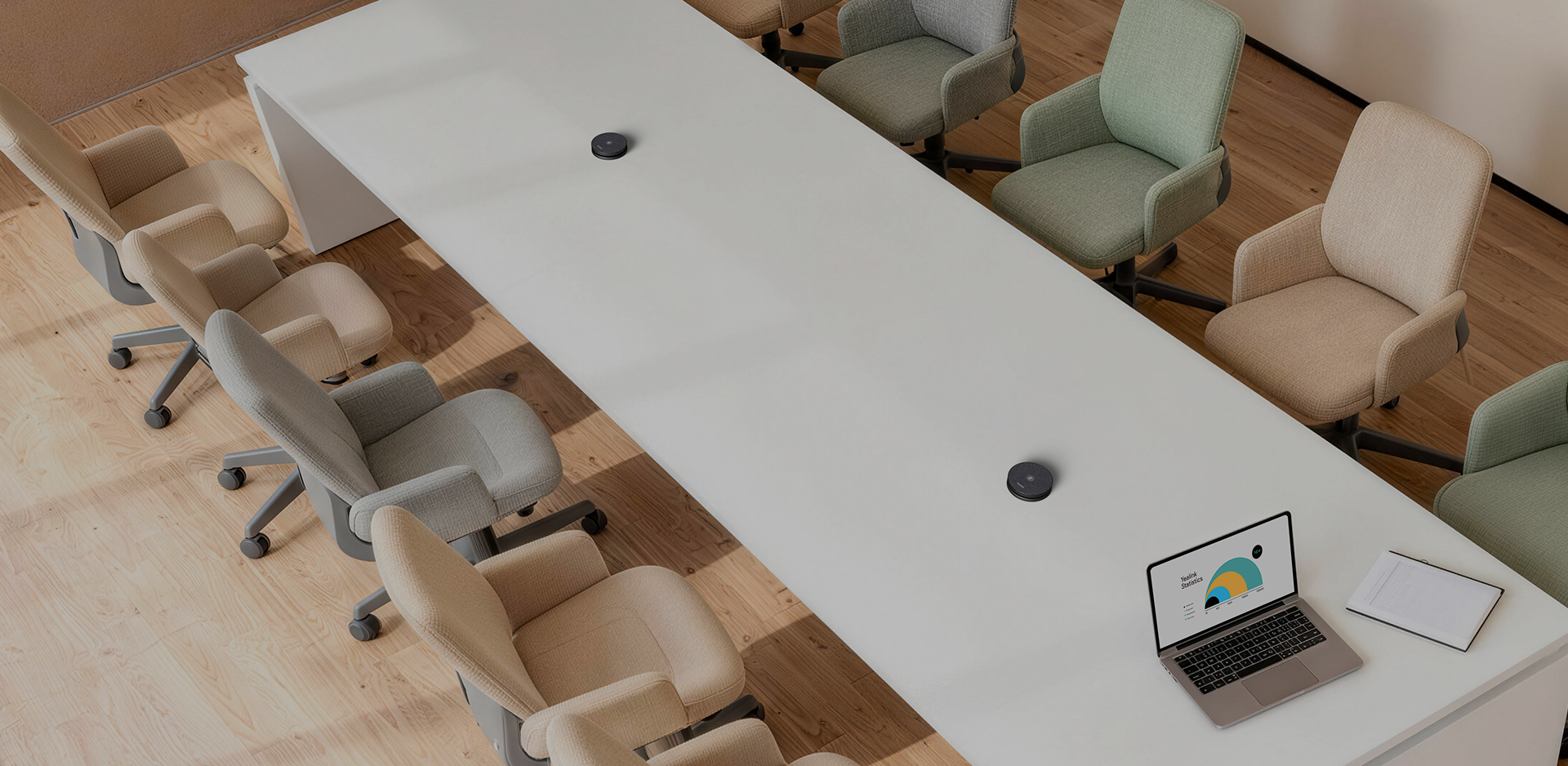
When should you consider VCM36-W Pro?
Wireless microphones make it easier to bring pickup close to participants in changing layouts. Plan charging and verify host-device compatibility.
Key features
- Four-microphone array with 360° pickup
- Optimal pickup radius up to 3 m according to Yealink
- Up to 24 hours of conference use and wireless charging station
A closer look

How does it fit into a working room?
- Confirm compatibility with the exact system
- Pair and position the microphone
- Provide a permanent charging location
What needs checking before ordering?
Yealink specifies different compatibility from the earlier VCM36-W. The Pro version is not automatically a replacement for the older microphone.
Documentation and resources
Manufacturer documentation — 1
Specifications, support resources or deployment guidance hosted by Yealink.
Open documentation ↗Manufacturer documentation — 2
Specifications, support resources or deployment guidance hosted by Yealink.
Open documentation ↗Related solutions
Source: official Yealink product page. Materials checked on 29 September 2026. Images and videos belong to the manufacturer. Specifications and accessory compatibility are confirmed for the selected configuration.
Plan your room with VCM36-W Pro
Tell us the room dimensions, participant count and meeting platform. You can attach a photo or layout sketch.
Ask about this model