
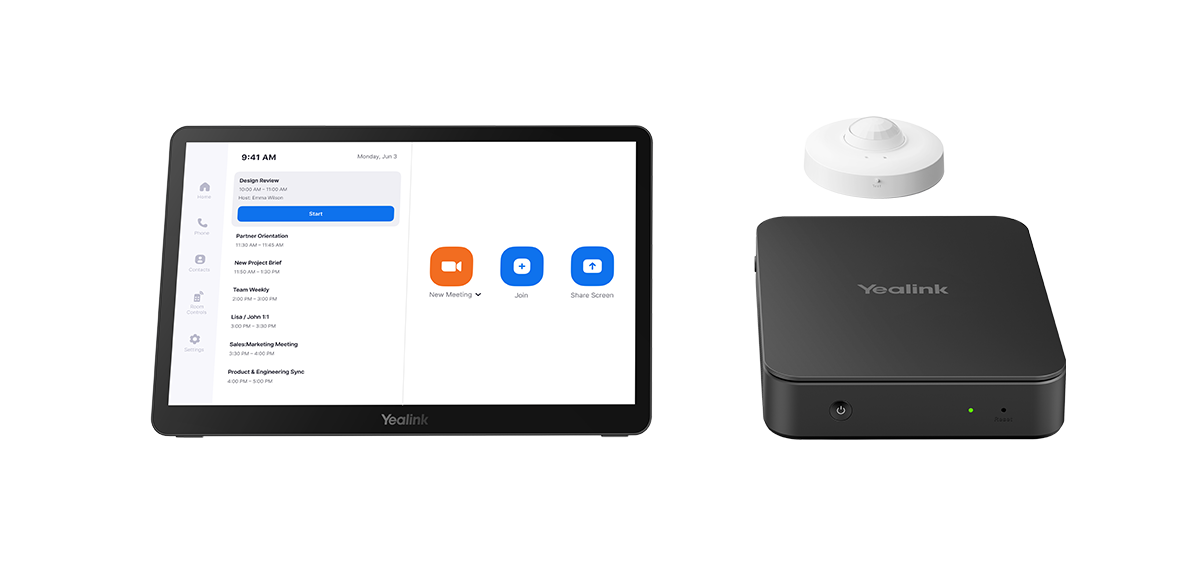
When should you consider MCoreKit-C5-ZR?
Separating the computer, controller and AV devices helps adapt a Zoom room to an unusual table or existing installation.
Key features
- MCore Pro computer
- MTouch Plus controller
- RoomSensor in the package described by Yealink
How does it fit into a working room?
- Use the computer and panel as the system foundation
- Select cameras, microphones and speakers for the room
- Configure the Zoom Rooms account and licence
What needs checking before ordering?
The base package is not a complete AV system. Teams MVC and Zoom packages are selected separately; similar hardware does not establish interchangeable software.
Documentation and resources
Manufacturer documentation — 1
Specifications, support resources or deployment guidance hosted by Yealink.
Open documentation ↗Manufacturer documentation — 2
Specifications, support resources or deployment guidance hosted by Yealink.
Open documentation ↗Related solutions
Source: official Yealink product page. Materials checked on 29 September 2026. Images and videos belong to the manufacturer. Specifications and accessory compatibility are confirmed for the selected configuration.
Plan your room with MCoreKit-C5-ZR
Tell us the room dimensions, participant count and meeting platform. You can attach a photo or layout sketch.
Ask about this model