
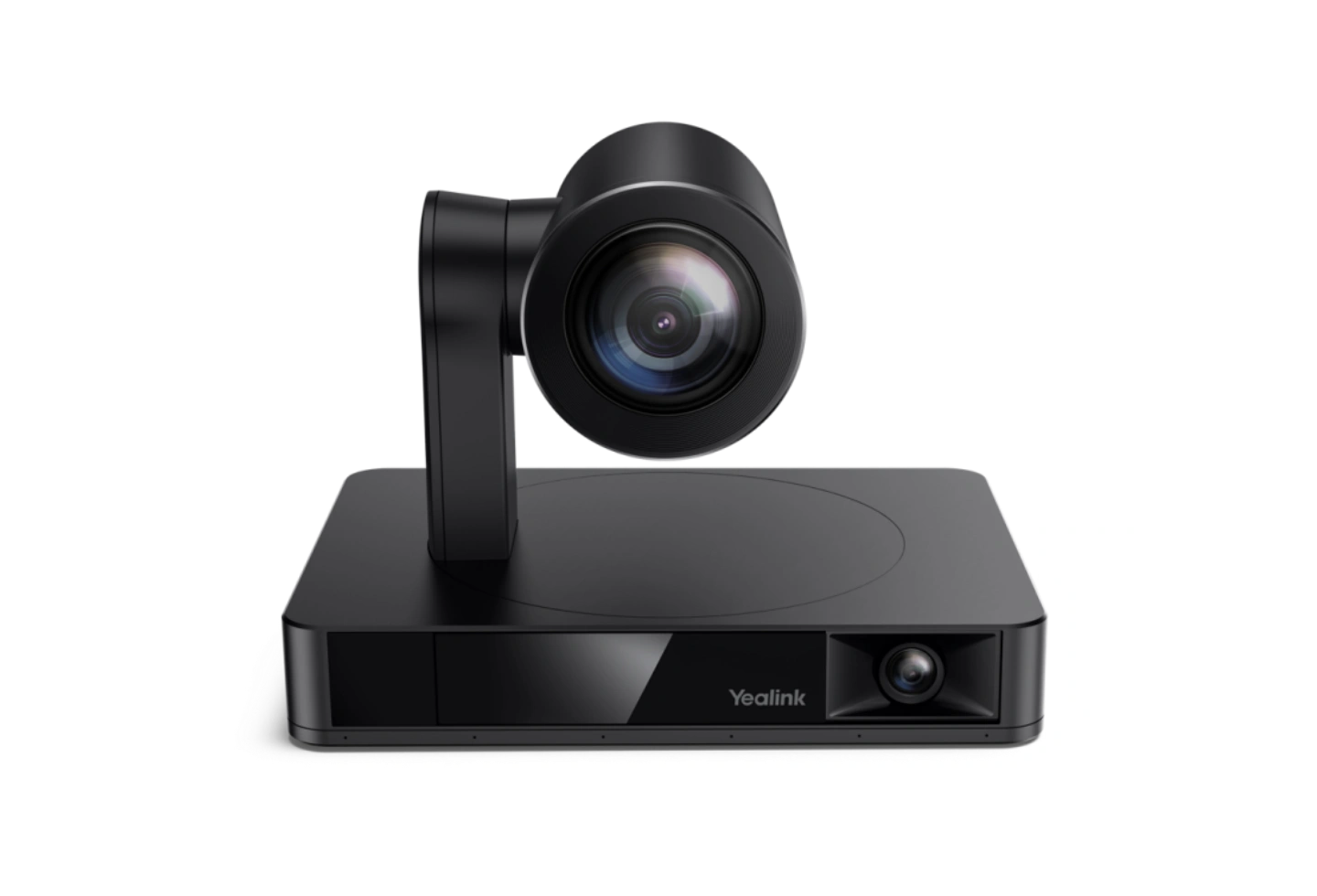
When should you consider UVC86?
UVC86 tracks presenters and provides close-ups without constant manual operation. It can be included in a BYOD design or compatible room system.
Key features
- Dual 4K cameras: panoramic and PTZ
- 12× optical zoom
- Auto Framing, Speaker Tracking and Presenter Tracking
A closer look
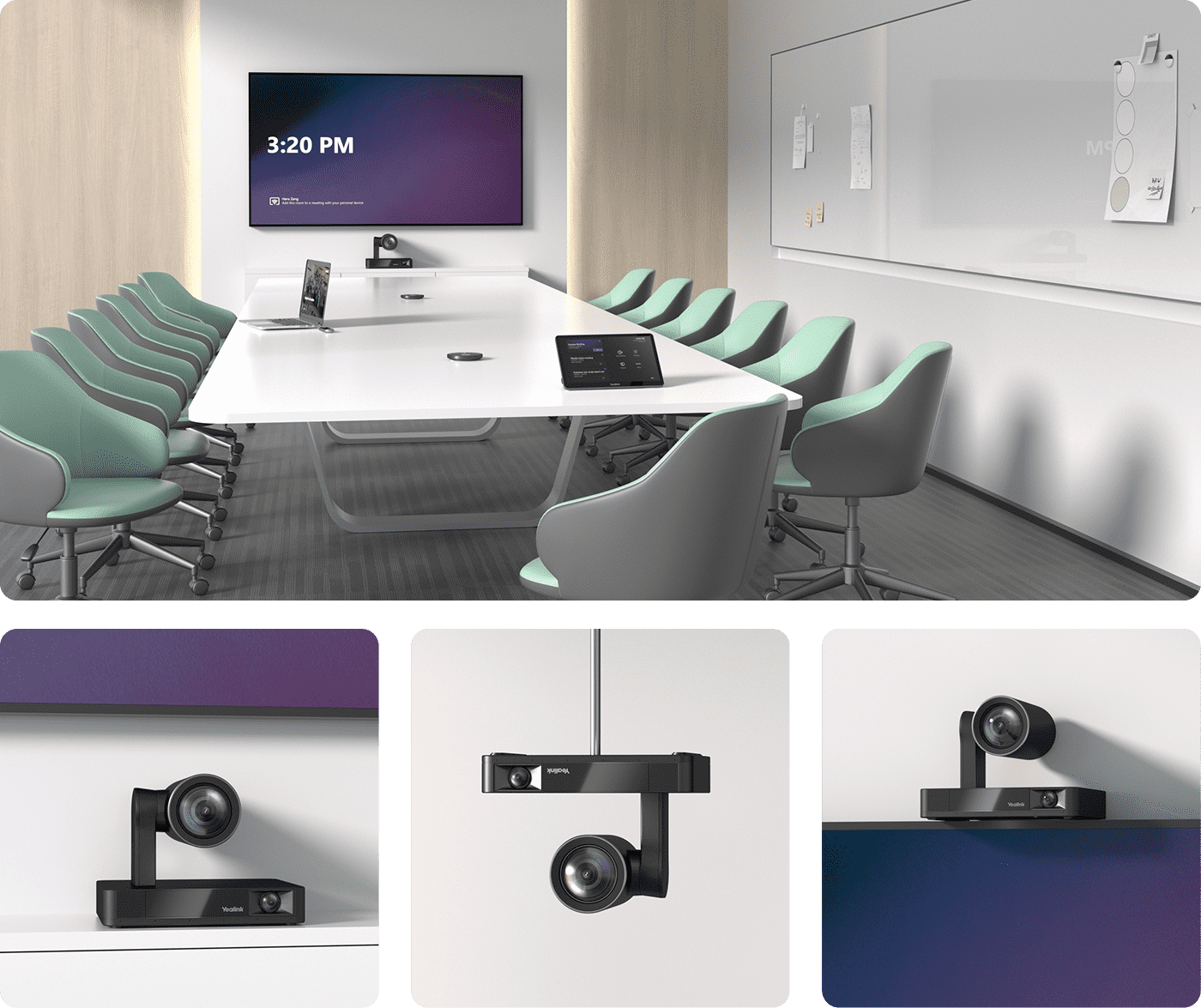
How does it fit into a working room?
- Install by the display, on a wall or in another supported position
- Connect via USB or the supported Yealink system topology
- Select microphones and speakers for the room size
What needs checking before ordering?
A camera alone is not a complete room system. Multiple UVC86 installations need a compatible controller, view switching and an appropriate MVC package.
Documentation and resources
Related solutions
Source: official Yealink product page. Materials checked on 29 September 2026. Images and videos belong to the manufacturer. Specifications and accessory compatibility are confirmed for the selected configuration.
Plan your room with UVC86
Tell us the room dimensions, participant count and meeting platform. You can attach a photo or layout sketch.
Ask about this model