
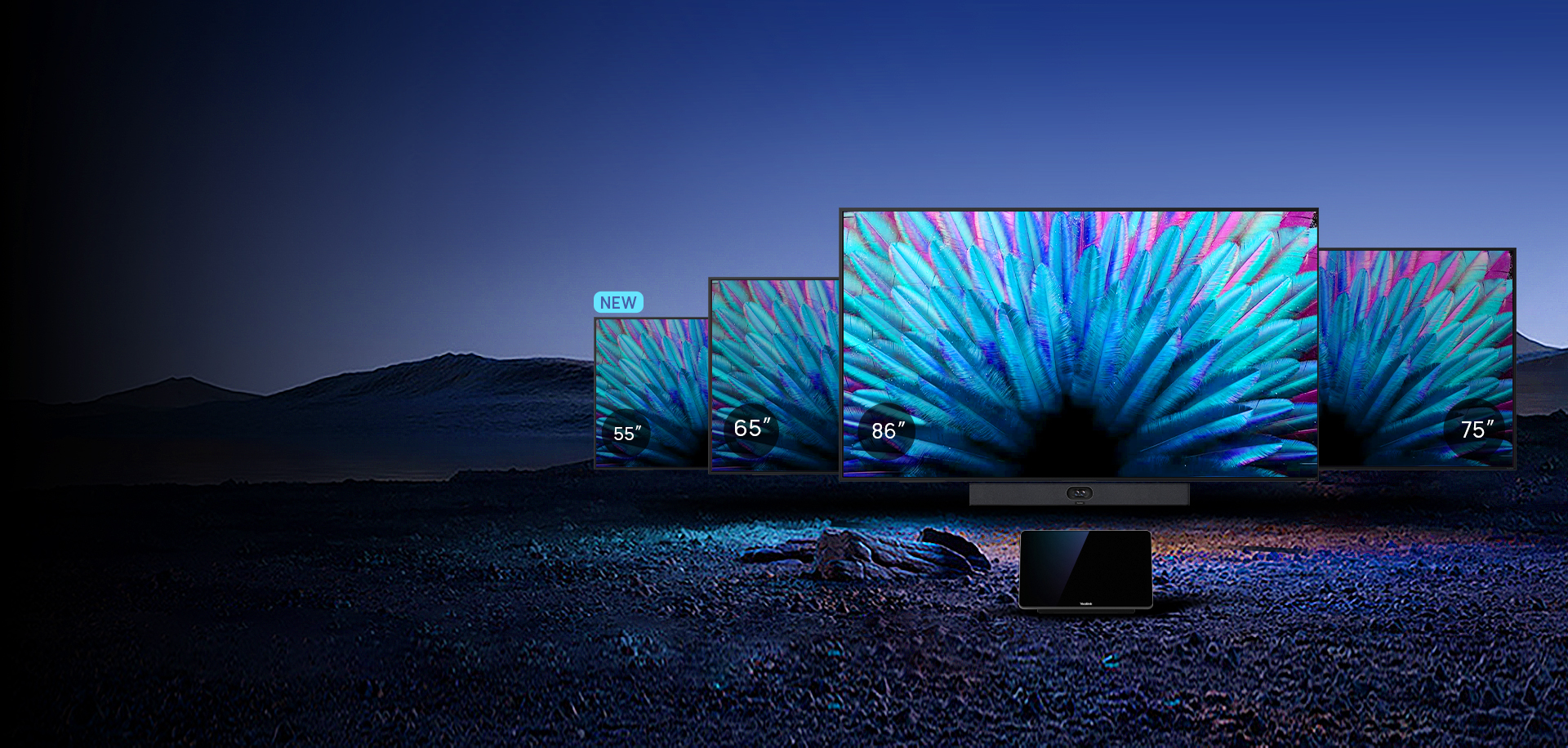
When should you consider MeetingDisplay?
Consider MeetingDisplay for a new room that needs coordinated meeting controls and administration rather than a standalone television.
Key features
- 55, 65, 75 and 86-inch display family
- Selected display settings controlled from the room panel
- YMCS management and integration with MTR devices
How does it fit into a working room?
- Choose the size for viewing distance and content
- Connect the appropriate conferencing system
- Configure sources, wake-up behaviour and management
What needs checking before ordering?
This is a display for a system, not a complete conferencing whiteboard. Select cameras, audio, controllers and mounts separately, and verify integration compatibility.
Manufacturer video
Original Yealink material illustrating selected functions. Equipment and feature availability depend on the ordered configuration.
Documentation and resources
Manufacturer documentation
Specifications, support resources or deployment guidance hosted by Yealink.
Open documentation ↗Related solutions
Source: official Yealink product page. Materials checked on 29 September 2026. Images and videos belong to the manufacturer. Specifications and accessory compatibility are confirmed for the selected configuration.
Plan your room with MeetingDisplay
Tell us the room dimensions, participant count and meeting platform. You can attach a photo or layout sketch.
Ask about this model