
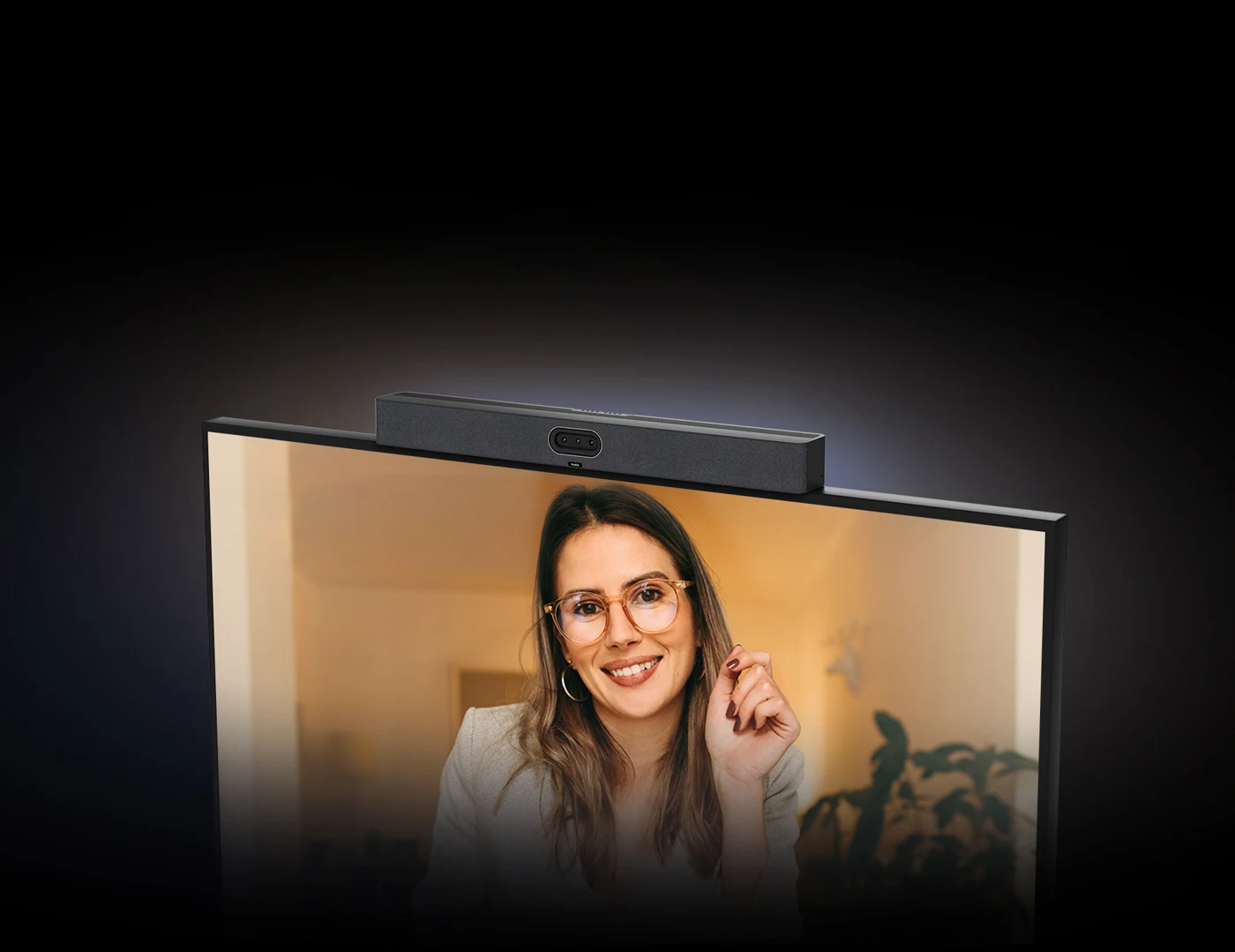
When should you consider MeetingBar A50?
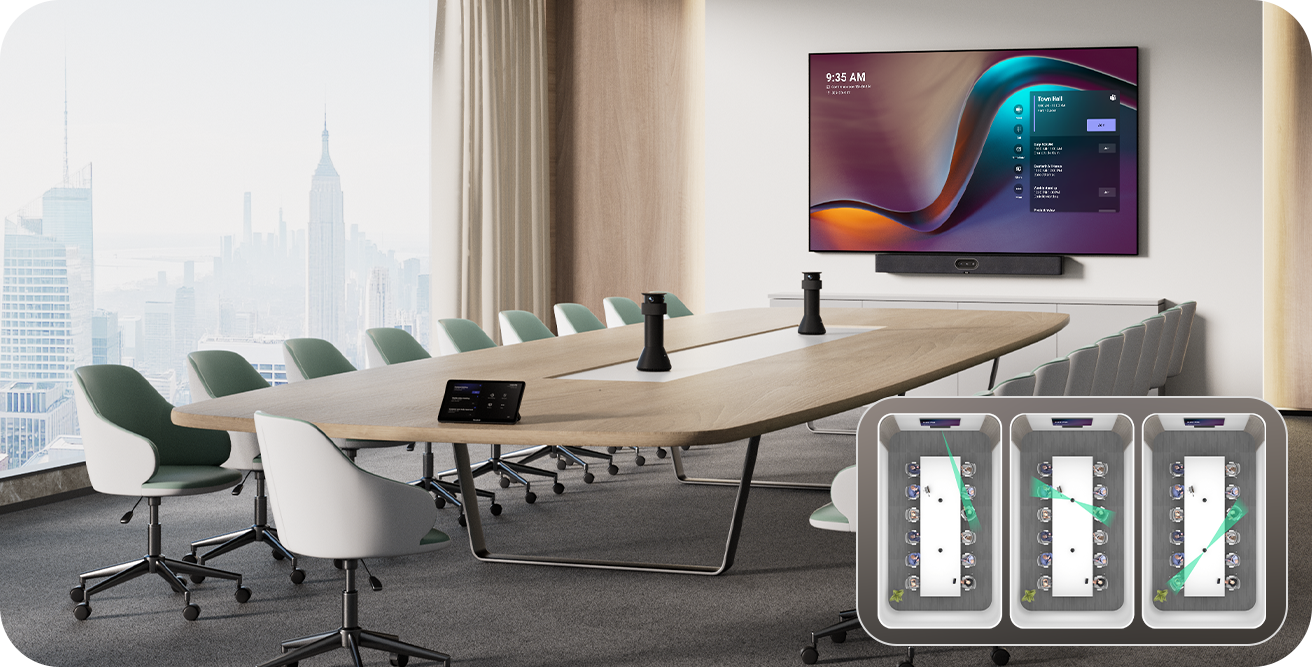
A dedicated room appliance lets users start meetings without connecting a laptop. The correct choice depends on table layout, viewing distance, acoustics and the main meeting platform.
Key features
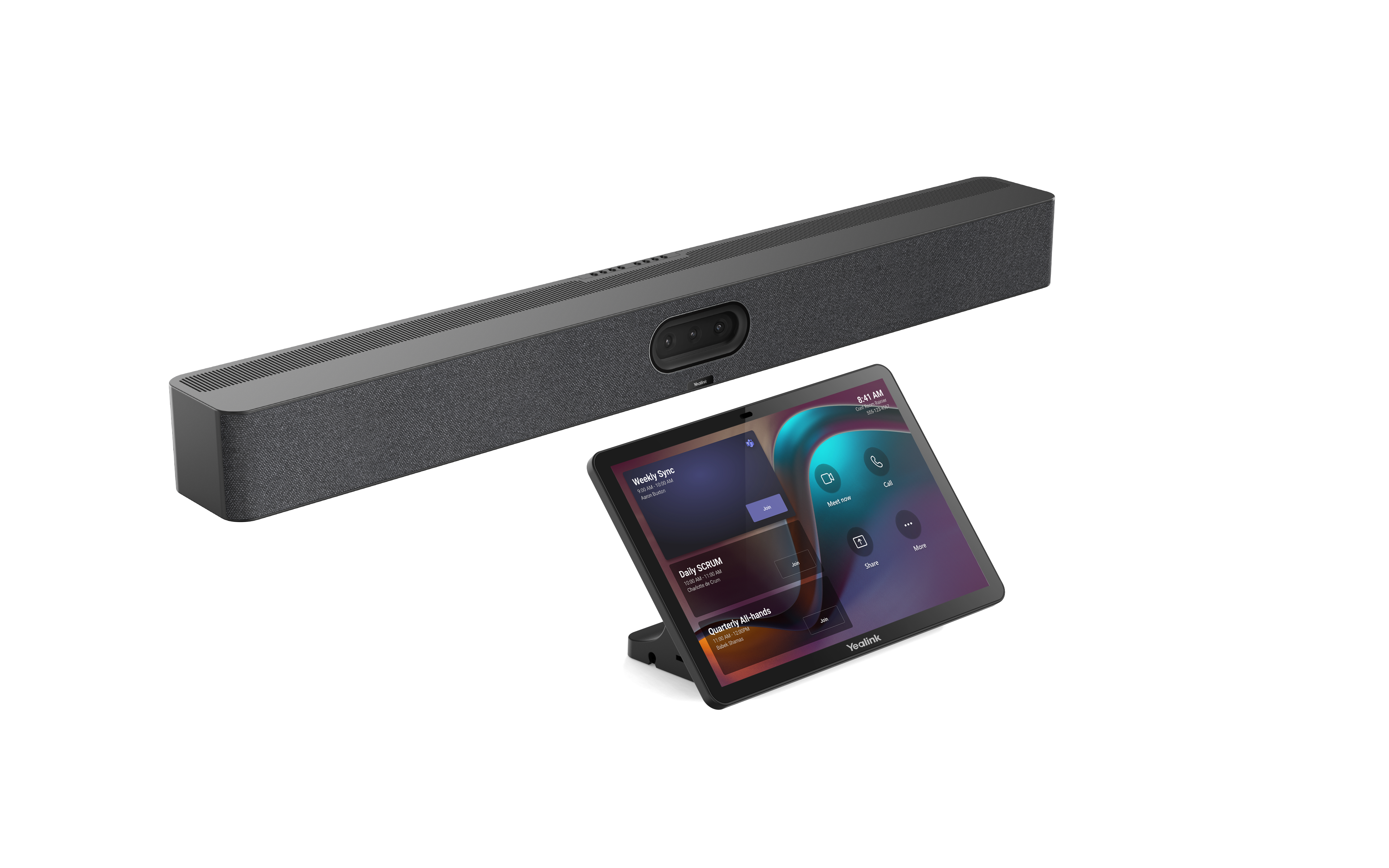
- Triple 50 MP camera system for room and participant views
- Integrated audio and CTP25 touch control
- Optional MTower perspectives in a compatible configuration
A closer look
How does it fit into a working room?
- Connect the bar to the display, network and power
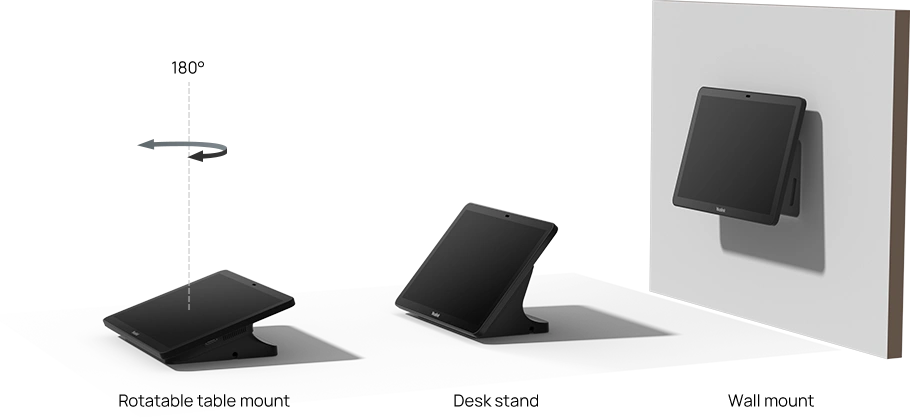
- Place and connect CTP25 according to the installation guide
- Configure the room account, licence and native Teams Rooms or Zoom Rooms platform
What needs checking before ordering?
The native room interface is configured for one platform. It is not two independent Teams and Zoom room applications running side by side. Supported guest-join options and laptop BYOD have different capabilities. Verify licences, firmware and accessory compatibility for the exact package.
Manufacturer video
Original Yealink material illustrating selected functions. Equipment and feature availability depend on the ordered configuration.
Documentation and resources
Manufacturer documentation
Specifications, support resources or deployment guidance hosted by Yealink.
Open documentation ↗Related solutions
Source: official Yealink product page. Materials checked on 29 September 2026. Images and videos belong to the manufacturer. Specifications and accessory compatibility are confirmed for the selected configuration.
Plan your room with MeetingBar A50
Tell us the room dimensions, participant count and meeting platform. You can attach a photo or layout sketch.
Ask about this model