
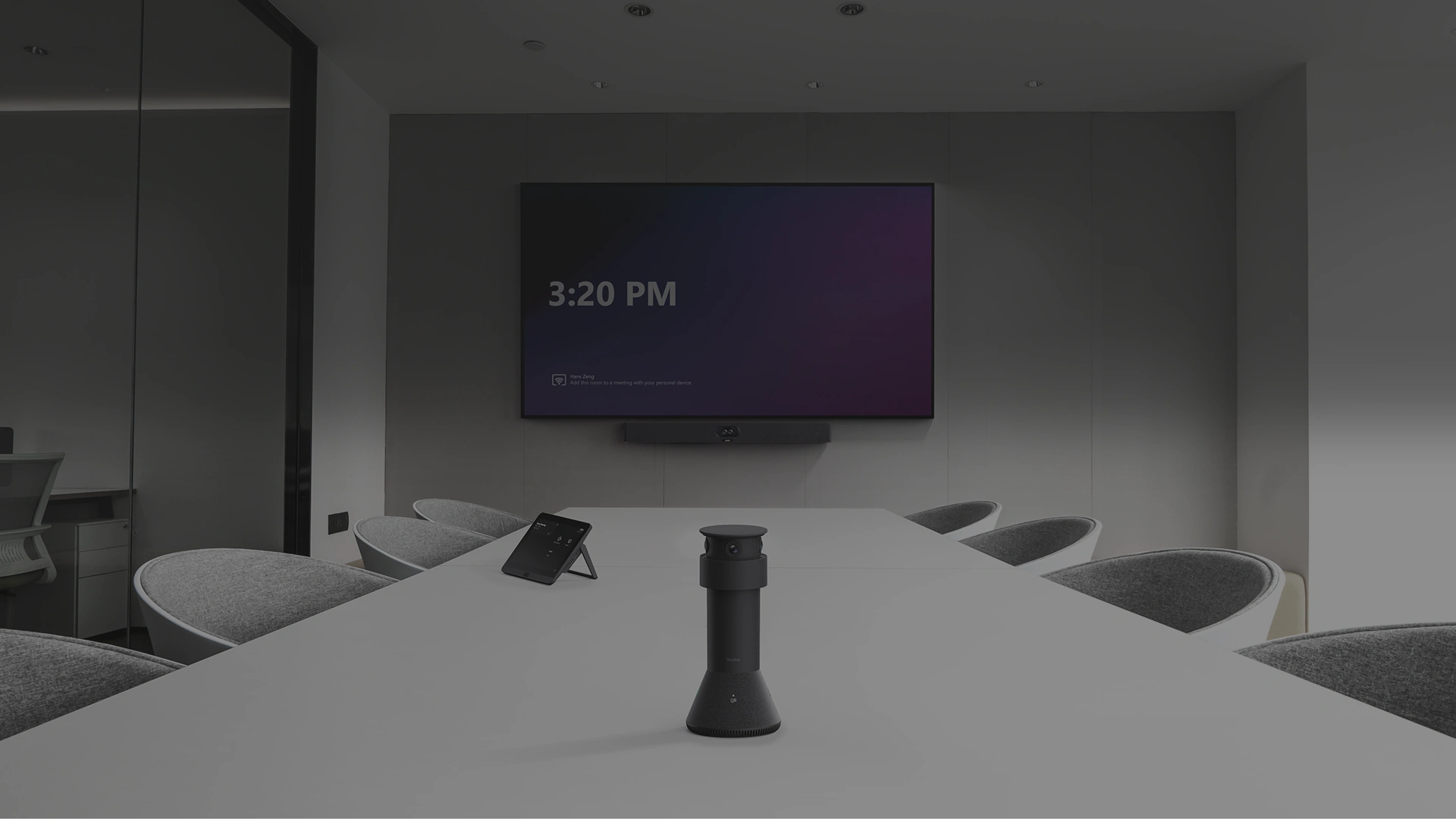
When should you consider MTower?
A table camera can show faces more clearly when participants turn towards each other. Check laptop positions and sightlines before installation.
Key features
- Three 4K cameras
- Best-view Switching in compatible systems
- Dual MTower configurations with A50 or MVC S50
A closer look
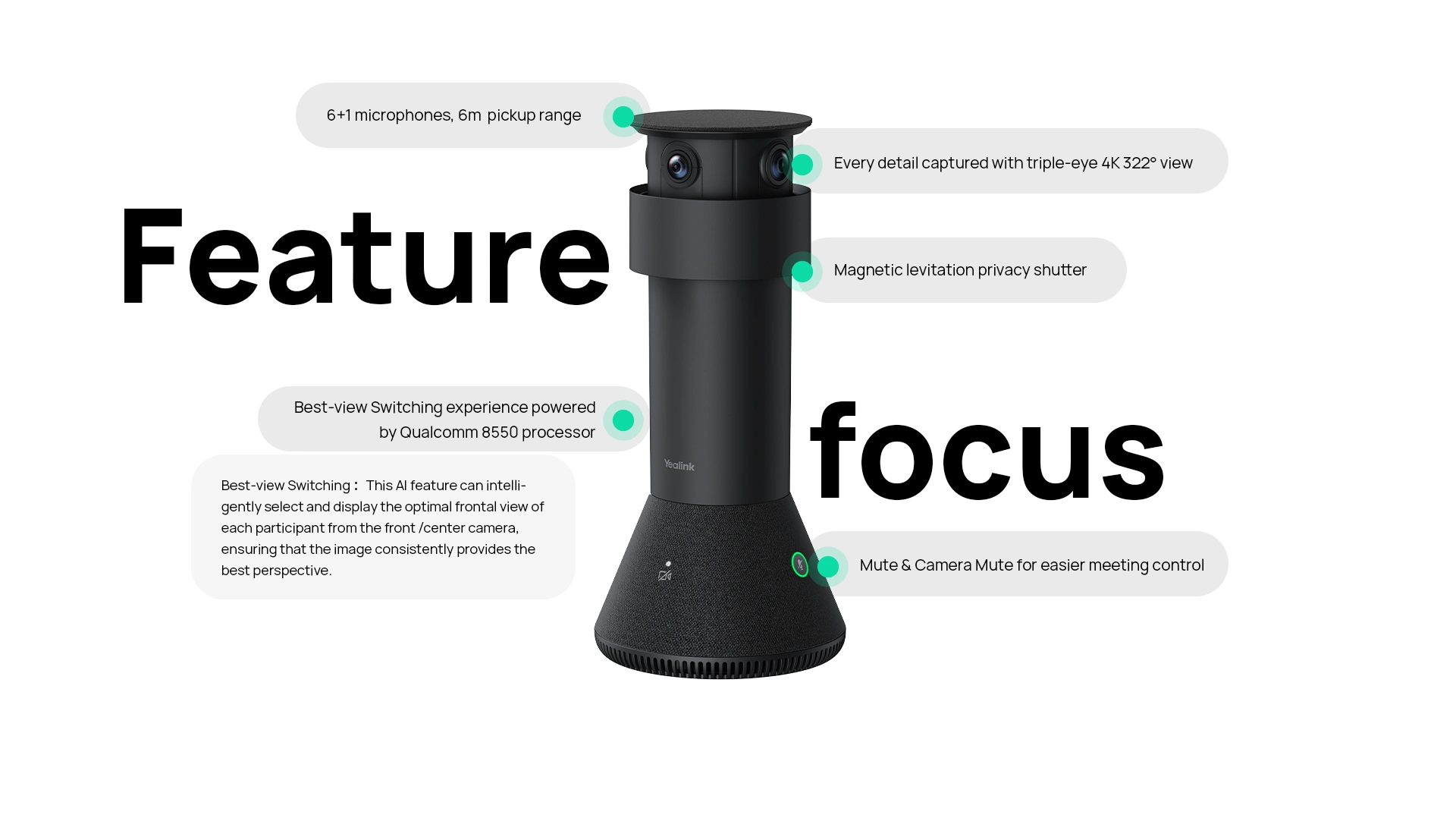
How does it fit into a working room?
- Place MTower on the table with an unobstructed view
- Connect a compatible front-of-room system
- Configure viewpoint switching and test every seat
What needs checking before ordering?
MTower is a system accessory. Selection requires compatible hardware, firmware and meeting mode, not just a participant count.
Manufacturer video
Original Yealink material illustrating selected functions. Equipment and feature availability depend on the ordered configuration.
Documentation and resources
Manufacturer documentation
Specifications, support resources or deployment guidance hosted by Yealink.
Open documentation ↗Related solutions
Source: official Yealink product page. Materials checked on 29 September 2026. Images and videos belong to the manufacturer. Specifications and accessory compatibility are confirmed for the selected configuration.
Plan your room with MTower
Tell us the room dimensions, participant count and meeting platform. You can attach a photo or layout sketch.
Ask about this model