
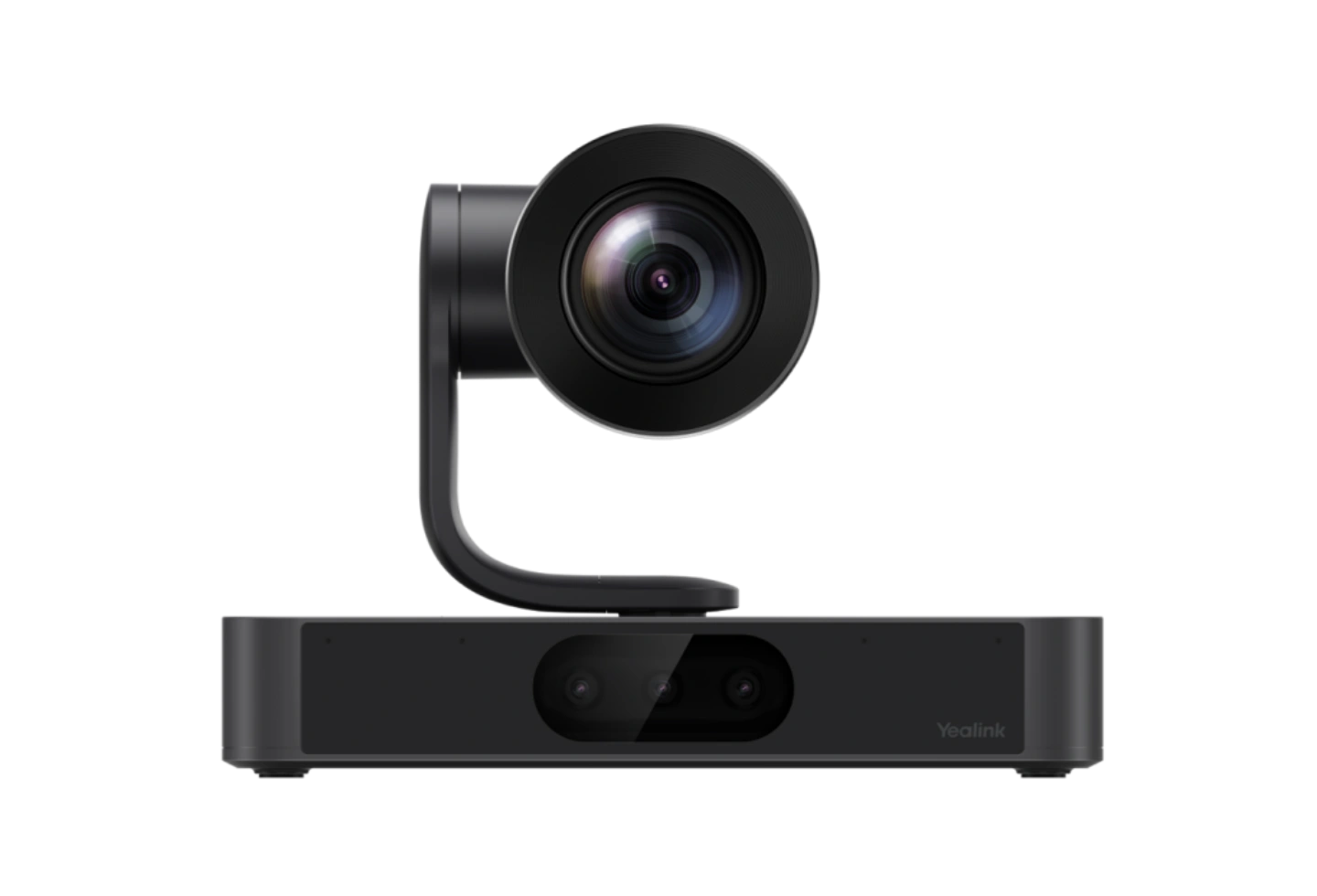
When should you consider SmartVision 80?
SmartVision 80 is used in MVC S80 and S98. Its selection requires an audio design and checks for both the nearest and most distant seats.
Key features
- Four lenses: panoramic, two telephoto and PTZ
- 20× optical zoom and presenter tracking
- Automatic privacy shutter
A closer look
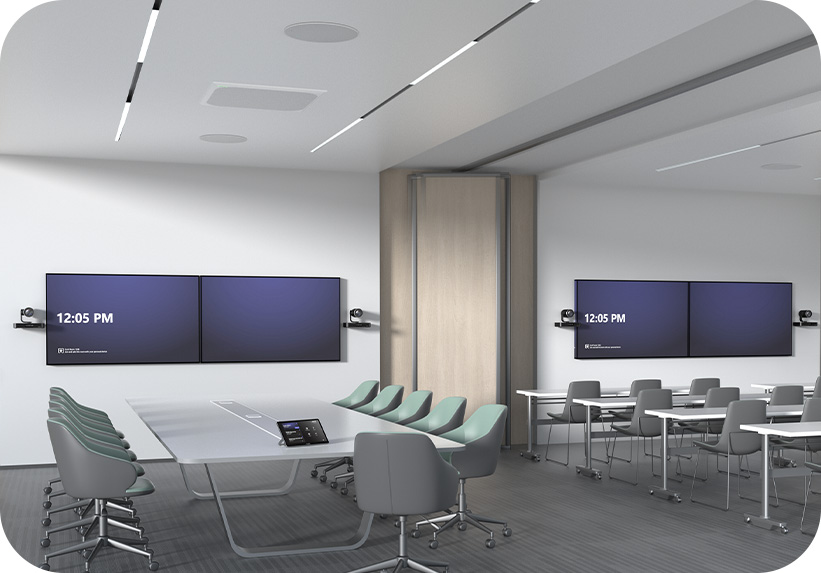
How does it fit into a working room?
- Provide a clear view of the table and presentation area
- Connect a compatible room computer and controller
- Select microphones and speakers for the space
What needs checking before ordering?
Multi-Stream IntelliFrame requires a Yealink Teams Rooms on Windows solution. Yealink marks Dante support as a future feature; it is not assumed available for the current deployment.
Manufacturer video
Original Yealink material illustrating selected functions. Equipment and feature availability depend on the ordered configuration.
Documentation and resources
Manufacturer documentation
Specifications, support resources or deployment guidance hosted by Yealink.
Open documentation ↗Related solutions
Source: official Yealink product page. Materials checked on 29 September 2026. Images and videos belong to the manufacturer. Specifications and accessory compatibility are confirmed for the selected configuration.
Plan your room with SmartVision 80
Tell us the room dimensions, participant count and meeting platform. You can attach a photo or layout sketch.
Ask about this model