
When should you consider UVC85-BYOD?
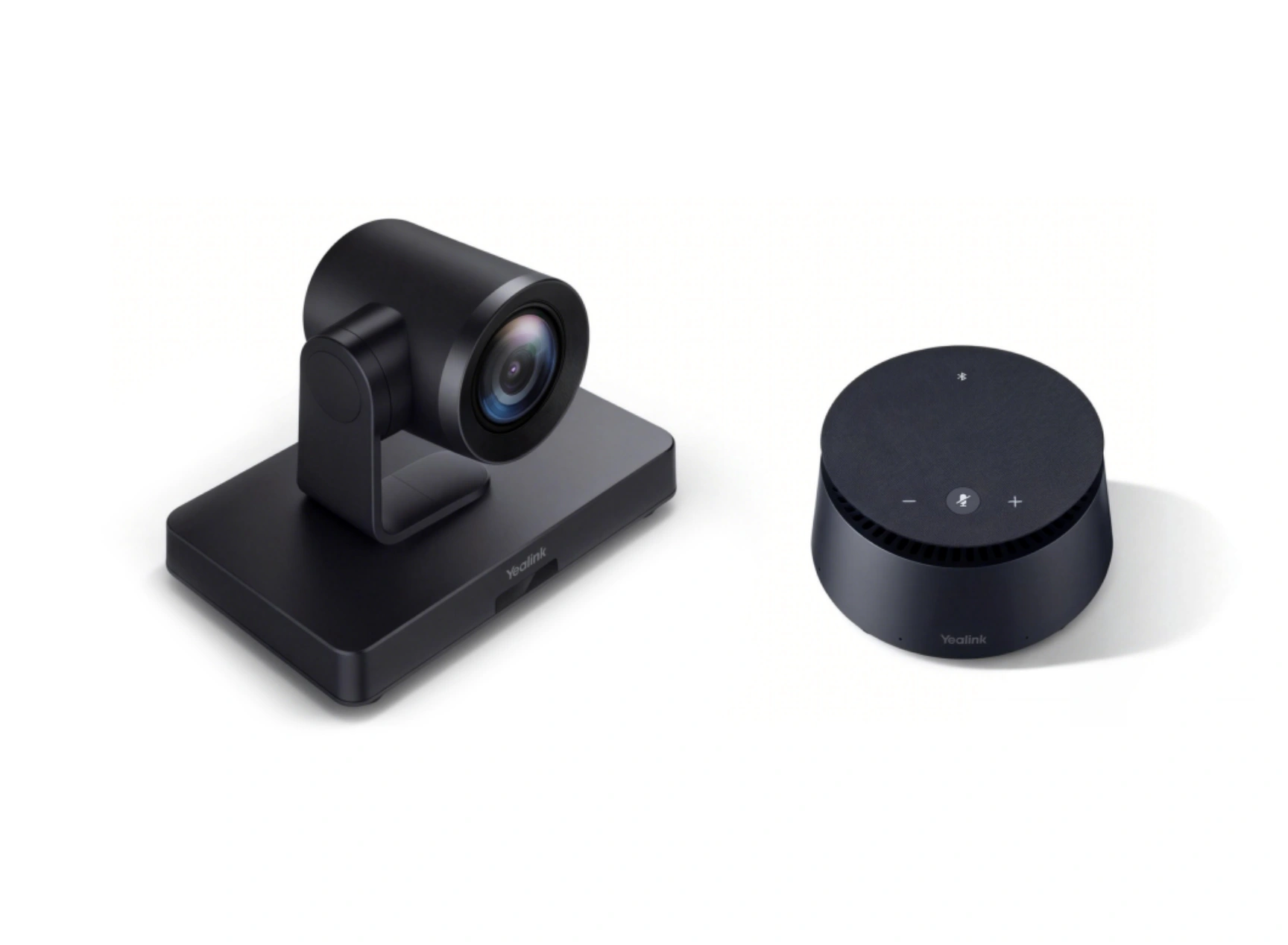
Designed for teams and guests using different applications. Camera and audio remain in the room while the laptop hosts the meeting.
Key features
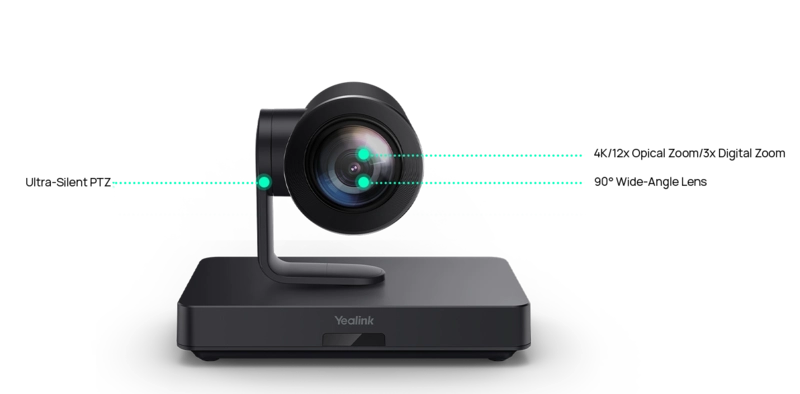
- UVC85 4K camera with 12× optical zoom
- CP50 and CPE40 audio in the appropriate package
- USB-C laptop connection
A closer look
How does it fit into a working room?
- Position the camera to cover the table
- Distribute CP50 and CPE40 audio modules
- Connect the laptop at the prepared BYOD point
What needs checking before ordering?
Audio module count, cables and power depend on the package. Larger CPE40 chains have additional power requirements that need checking before ordering.
Documentation and resources
Manufacturer documentation — 1
Specifications, support resources or deployment guidance hosted by Yealink.
Open documentation ↗Manufacturer documentation — 2
Specifications, support resources or deployment guidance hosted by Yealink.
Open documentation ↗Related solutions
Source: official Yealink product page. Materials checked on 29 September 2026. Images and videos belong to the manufacturer. Specifications and accessory compatibility are confirmed for the selected configuration.
Plan your room with UVC85-BYOD
Tell us the room dimensions, participant count and meeting platform. You can attach a photo or layout sketch.
Ask about this model